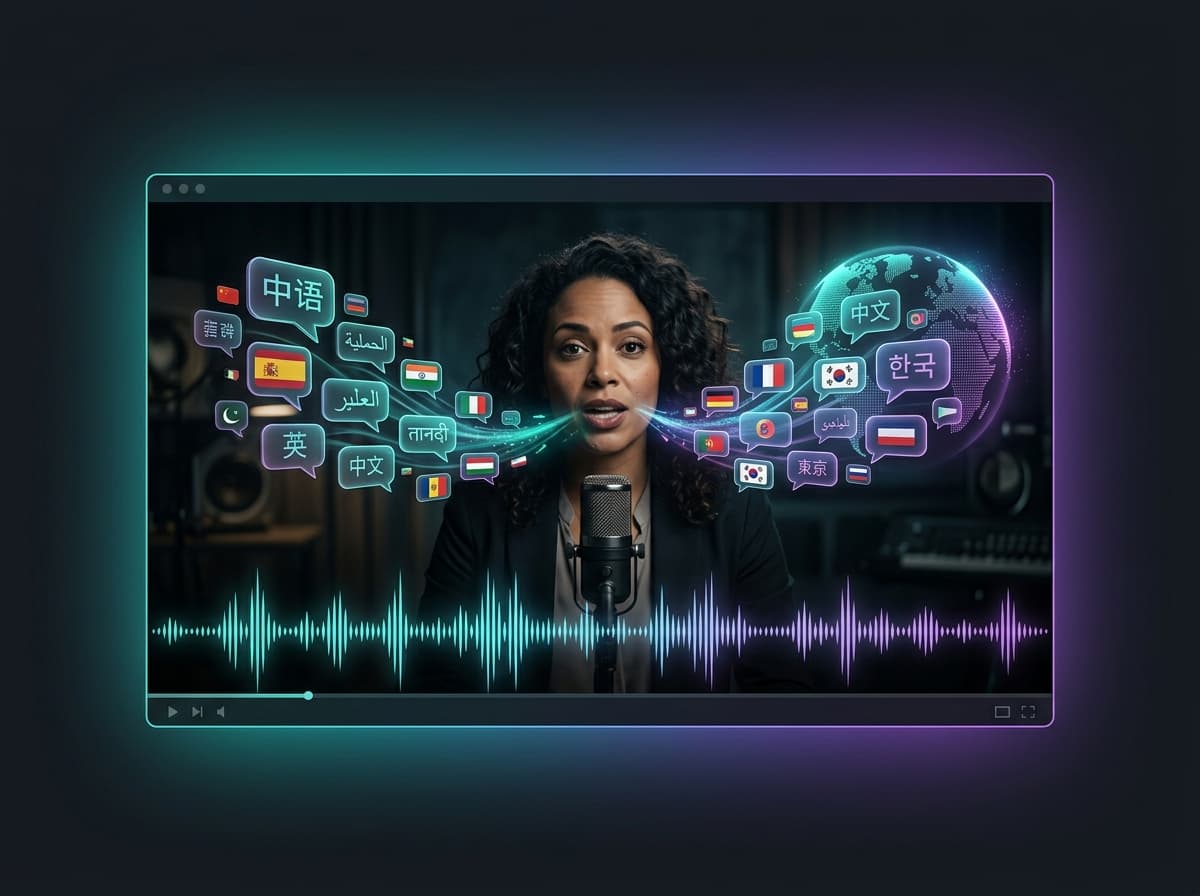
AI Video Dubbing in 2026: How to Dub Any Video into 50+ Languages
By Isaac · Writer, DubVoice.ai
TL;DR: AI video dubbing automatically translates and re-voices a video into a new language while preserving delivery and timing. DubVoice.ai does it in dozens of languages, pay-as-you-go from $4.99, no subscription.
AI dubbing turns a single video into many — one per language — without re-recording anything. Here's how it works and how to do it.
What is AI video dubbing?
Traditional dubbing means hiring translators and voice actors per language — slow and expensive. AI dubbing does the whole pipeline automatically:
- Transcribe the original speech.
- Translate it into the target language.
- Re-synthesize it in a natural voice, matched to the original timing.
The result is a localized audio track you can drop back onto your video.
Why creators dub with AI
- Reach 10x the audience. A single YouTube video localized into 10 languages multiplies your addressable views.
- Keep your delivery. Modern AI dubbing preserves pacing and emotion, so it doesn't sound robotic.
- Cost pennies vs. studios. No booking actors, no studio time.
How to dub a video with DubVoice.ai
- Open the Dubbing tool in your dashboard.
- Upload your audio or video file.
- Choose the target language (50+ available).
- Generate — you get the dubbed audio (and an SRT subtitle file) back.
That's it. Use the dubbed track in your editor, or the subtitles for captions.
Best use cases
- YouTube localization — see [voice dubbing for YouTube](/use-cases/text-to-speech-use-cases/voice-dubbing-for-youtube).
- Online courses & e-learning — dub lessons for international students.
- Ads — run the same creative in every market.
What the output actually contains
A finished job hands back two files, and it is worth knowing what each is for.
The dubbed audio track is voice only. It carries the translated speech, timed against the original, with no music or background from the source. That is deliberate: it lets you drop the track onto your existing edit and keep the music bed you already mixed. If your source has no separate music stem, run [voice isolation](/use-cases/text-to-speech-use-cases/ai-voice-dubbing) on the original first so the two do not fight each other.
The SRT subtitle file is the translated transcript with timings. Upload it to YouTube as a caption track for the same language and you get the search benefit of captions without typing them out. Most of the lift from localisation comes from captions and titles rather than audio alone, so do not skip this file.
What it costs
Dubbing is 30,000 credits per task, charged when the job starts and refunded automatically if it fails. At the 3M package rate that is roughly $0.25 a task, whatever the length of the file — a two-minute clip and a twenty-minute lesson cost the same.
That flat rate changes how you should batch work. Dubbing ten short social cuts separately costs ten times what dubbing the twenty-minute source once does. If the clips come from one recording, dub the full recording and cut the dubbed track afterwards.
Where AI dubbing still falls short
Three limits worth knowing before you plan a project around it.
Lip sync. The track matches the original's duration, but syllables are not re-timed to mouth movements. For tutorials, voice-over, interviews and anything shot loosely this passes unnoticed. For a tight close-up of someone speaking, it reads as dubbed.
Dense emotion. Crying, shouting and laughter come through flatter than the original. Scripted narration and explainer content are unaffected; dramatic performance is not.
Names and jargon. Brand names, product names and industry terms are the most common thing to come out wrong, because the model has no reason to know how you say them. Check those first when reviewing a dub, and fix them in the source transcript rather than the output.
A workflow that holds up
- Start with clean source audio. Everything downstream inherits its problems, and background noise becomes mistranslation.
- Dub into one language first and listen to the whole thing. Most issues are systematic — a mispronounced product name appears in every language — so catching them once saves fixing them ten times.
- Fix what you found at the source, then run the remaining languages.
- Upload the SRT alongside each audio track. Captions carry the ranking signal.
For a broader tour of the voice tools around dubbing — cloning, voice changing, isolation and transcription — see [the complete AI voice toolkit](/blog/complete-ai-voice-toolkit-clone-change-isolate-dub). If you are weighing platforms rather than techniques, [the dubbing tools comparison](/blog/best-ai-voice-dubbing-tools) covers what each one is actually good at.
How to tell whether it worked
Watch-time in the target language is the only measure that matters, and it takes a few weeks to read. Two things tell you sooner.
Check the retention curve against the original. A dub that people abandon in the first fifteen seconds usually has a mismatched voice — too old, too young, wrong energy for the material — rather than a translation problem. Re-render with a different voice before you touch the script.
Read the comments in that language. Viewers will tell you about a mispronounced brand name immediately and about a stiff translation eventually, and both are cheaper to fix than to guess at.
Pricing
No subscription. Dubbing is charged from your pay-as-you-go balance, and credits never expire. Packages start at $4.99.
Related: [AI voice dubbing overview](/use-cases/text-to-speech-use-cases/ai-voice-dubbing) · [Best ElevenLabs alternative](/use-cases/vs-comparisons/dubvoice-vs-elevenlabs)
Try DubVoice.ai Today
17,800+ AI voices, 7 video models, 7 image models, AI music, translation & more — all in one platform. Nothing auto-renews.